URL Shortener with Click Tracking & Analytics
See which shared links bring clicks. Free workspaces show total click counts. Paid plans add detailed reports by country, device, and referring website, plus charts and CSV exports.
Real-Time Data
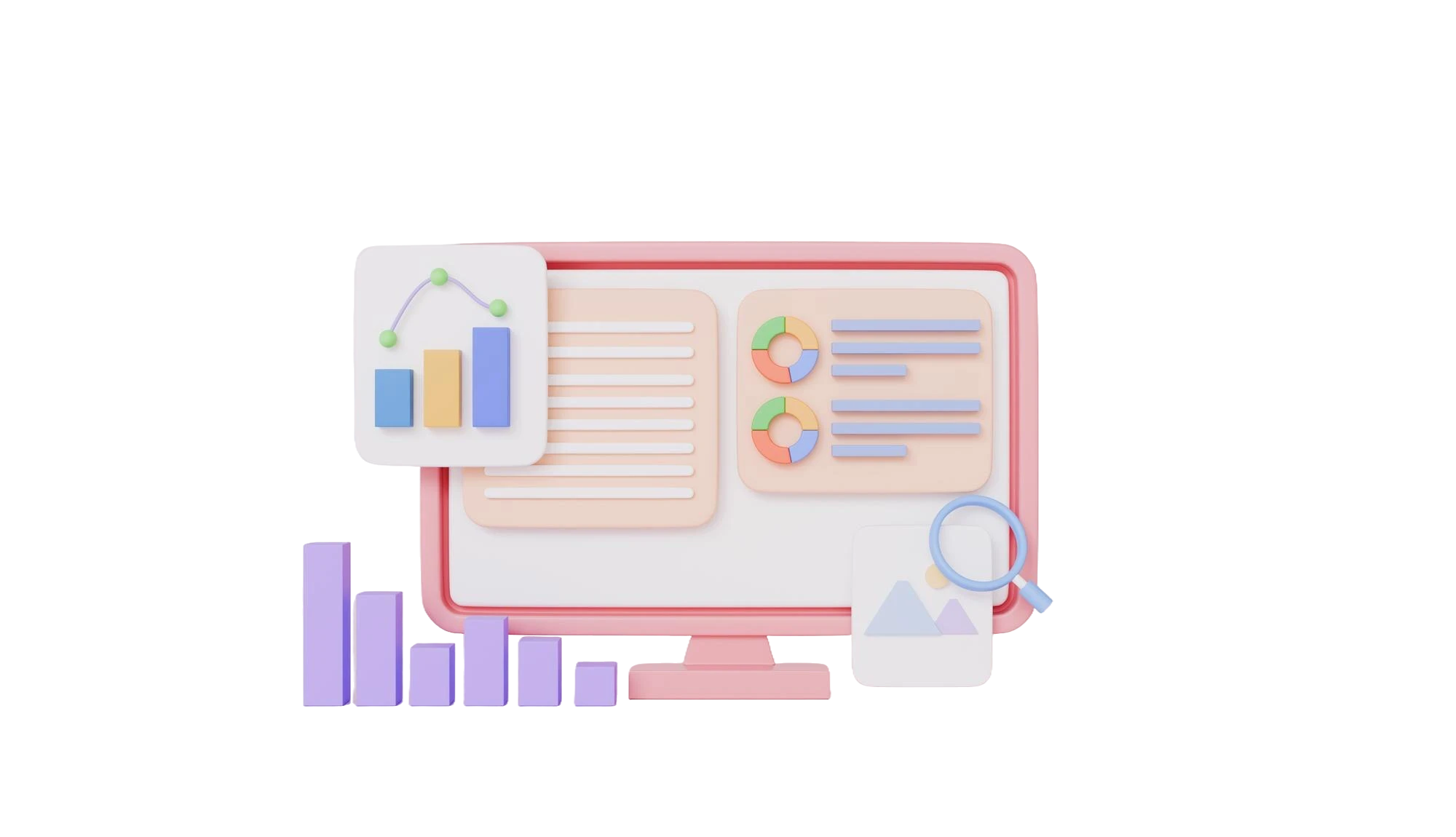
Clicks appear in your dashboard within seconds of happening. No batching delays, no waiting for next-day reports.
Geographic Insights
See which countries, regions, and cities your clicks come from. Understand your global audience at a glance.
Device Breakdown
Know the split between desktop, mobile, and tablet visitors. Optimize your landing pages for the devices your audience actually uses.
Compare the links behind a campaign
Share separate short links for a newsletter, a social post, and a printed QR code. Name or tag them by campaign, then use the date filter and link reports to compare clicks from each placement.
1. Create a link for each placement
Keep the destination the same and give each short link a clear name. A separate link makes each placement easier to measure.
2. Read the click breakdown
Use a paid workspace to compare clicks over time, countries, devices, browsers, and available referrers.
3. Share a report
Choose a date range and export CSV data for your team or client. Keep client work in the appropriate workspace.
Click reports measure visits through your short links, rather than sales or visits to every page of your website. Some apps and browsers hide referrers. A missing referrer does not prove that someone typed the link directly.
Data Without the Complexity
Shorten a Link
Create a short link through the dashboard, API, or bulk tool. Analytics tracking is enabled automatically — no extra setup.
Share It Anywhere
Post your link on social media, embed it in emails, print it on flyers, or use it in SMS campaigns. Every click is captured.
View Analytics
Open your dashboard to see clicks over time, top countries, browsers, operating systems, referrers, and more — in real time.
Explore the link analytics reports
Interactive examples with sample data, rather than live customer results. Select a report to preview the information available on paid plans.
Start Tracking Your Links Today
Start free with saved links and total click counts. Compare paid plans when you need countries, devices, referrers, and exported reports.